
The crowd is not watching the story.
They are making it.
Bring approved audience photos and videos onto event screens, invite people into polls and creative challenges, and turn thousands of separate viewpoints into one living event story.
01 · Scan the code
02 · Shoot it
03 · On the wall
Selling tickets through Capsemble? The QR on the ticket is this code — scanning in at the gate is step one.
A cultural festival, alive with colour from every angle.
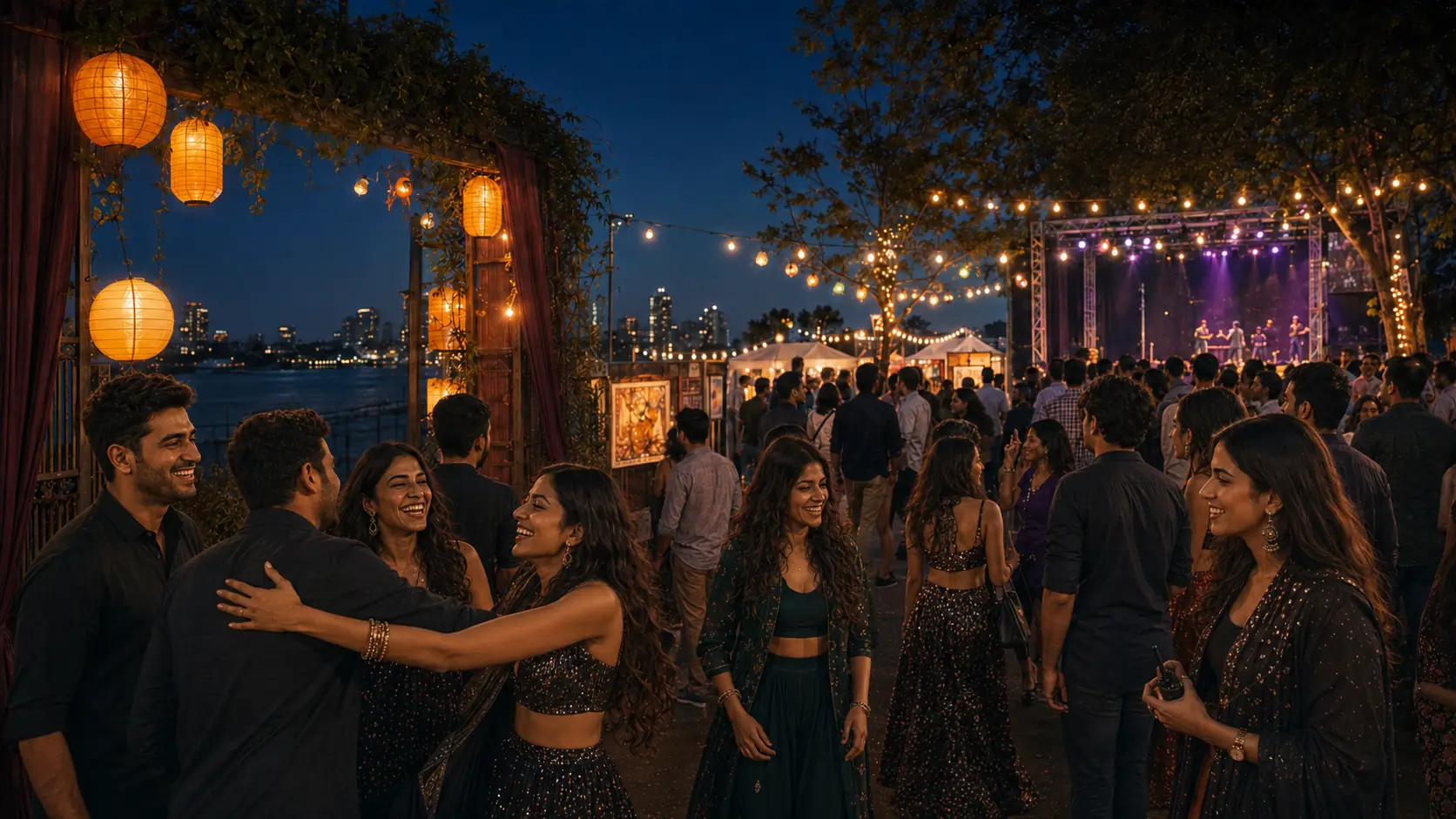
The night begins before the stage does.
Friends arrive and enter a festival already alive with colour.
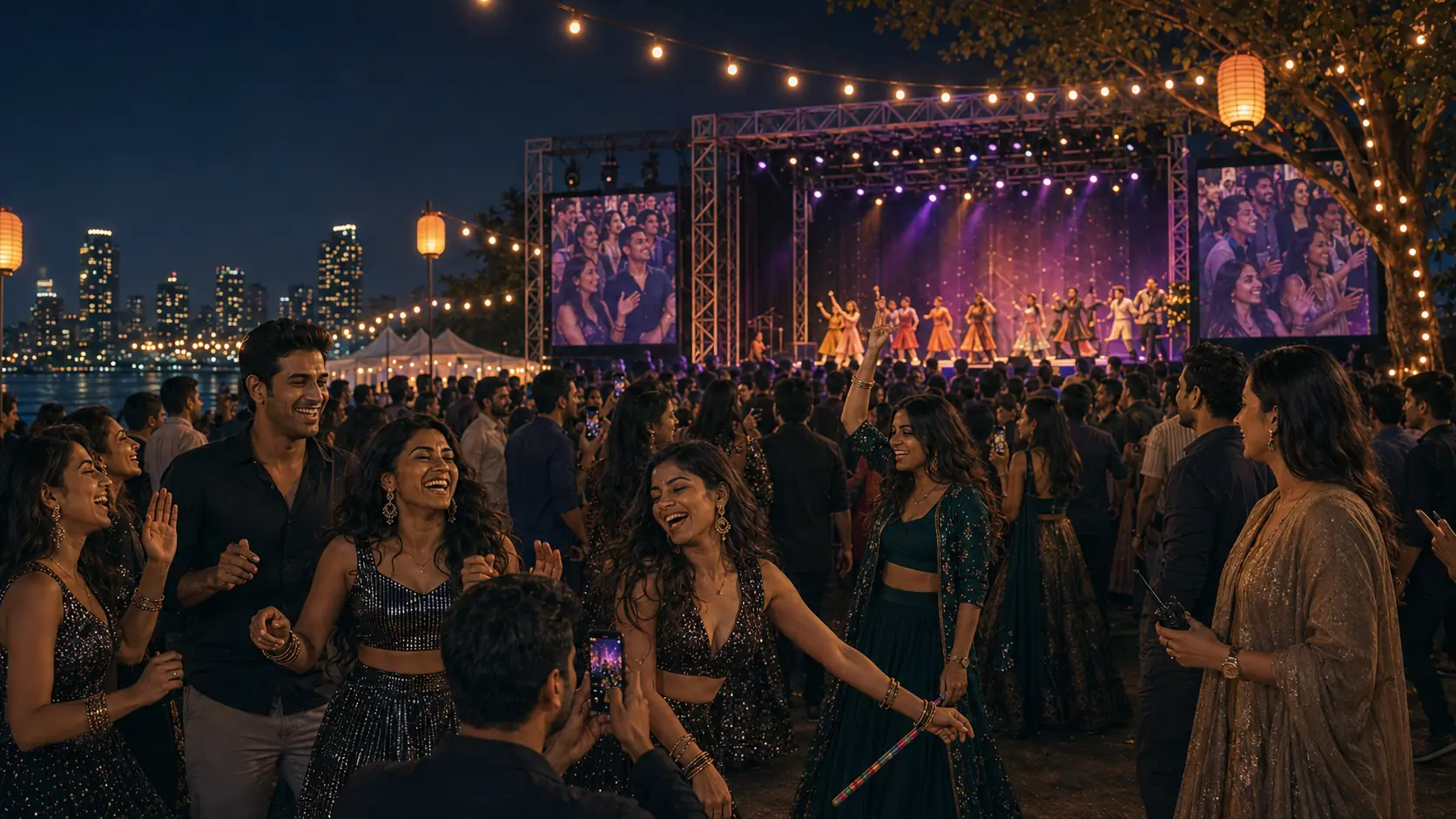
Every person sees a different performance.
Front row, food stalls, dance floor — captured from everywhere.
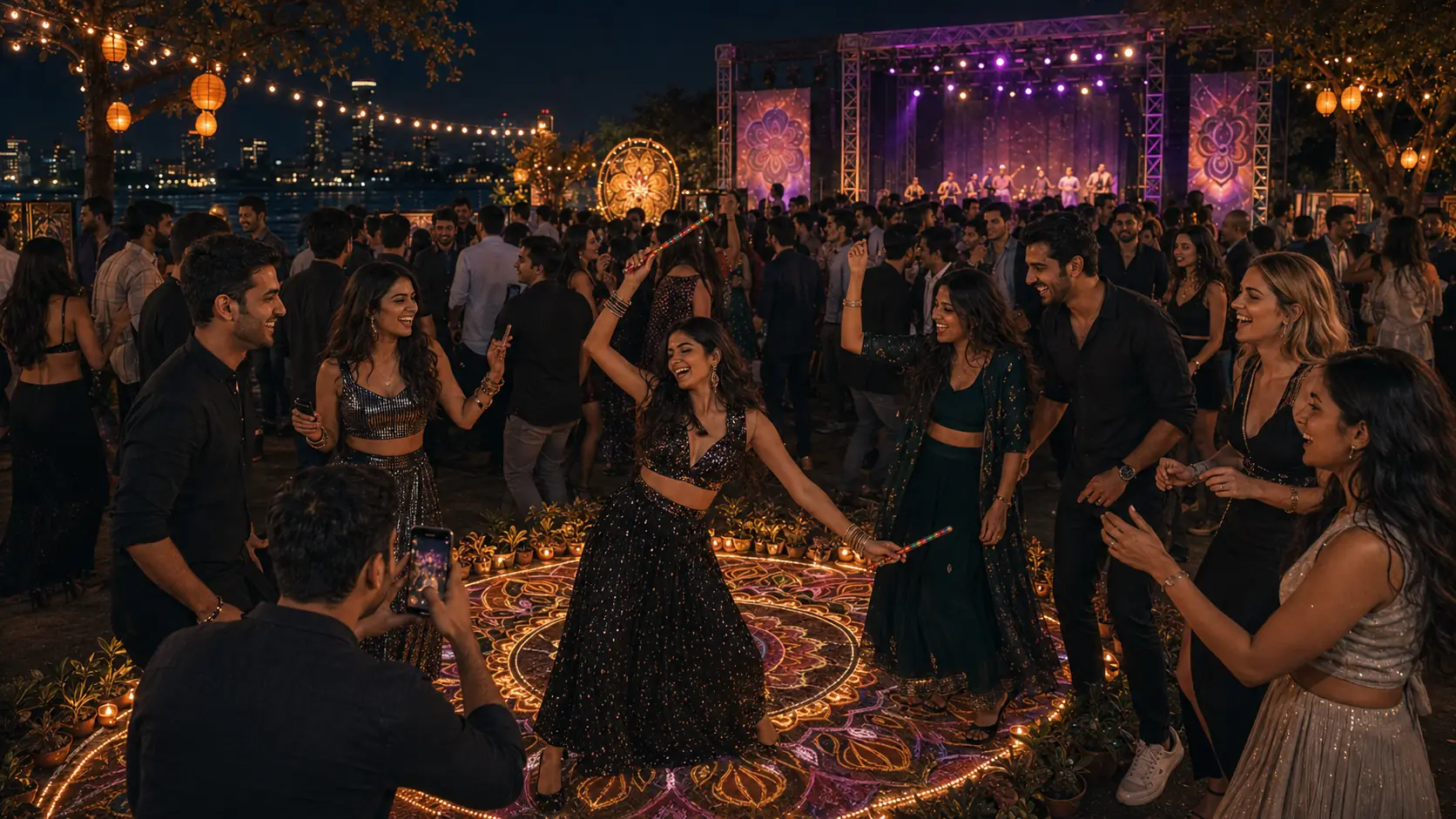
Then watching turns into joining.
A challenge and a quick poll let the crowd shape the night.
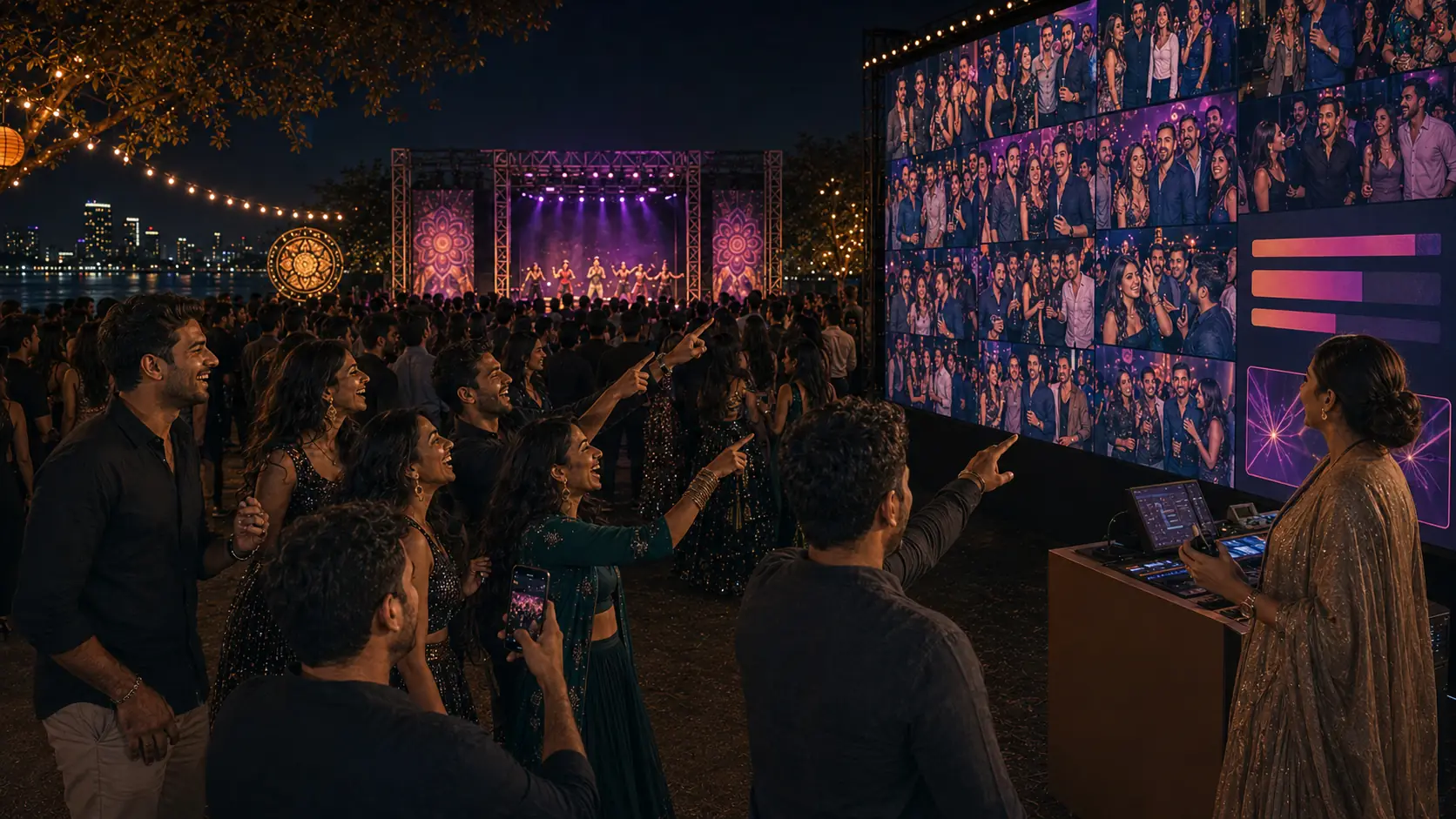
The festival sees itself.
Approved moments and timed promotions become part of the show.
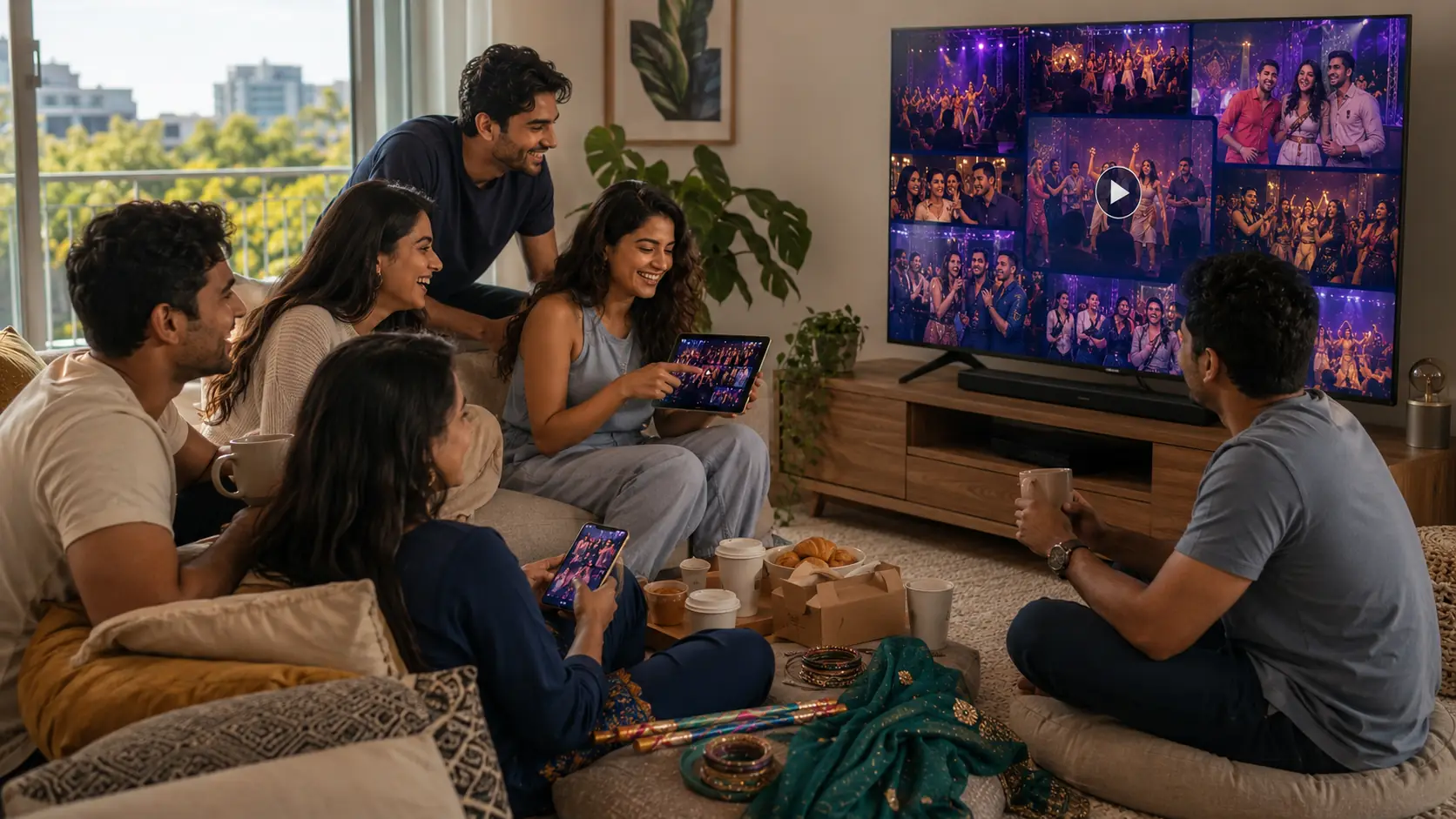
By morning, the whole night had followed them home.
Over breakfast, friends replay the film and share favourites.
Two thousand people photograph your event. You end up with none of it.
Every phone is a camera crew
Two thousand people, better coverage than any hired photographer. One code turns that into your footage.
A moderated live wall
Any projector, LED wall or foyer TV. Nothing appears until your team approves it. Kiosk mode for unattended screens.
A branded event page
Agenda, speakers, announcements, your logo and colours. The page you put in every ad.
Polls, quizzes, Q&A and reactions
Answers land on the wall as they arrive, from the phone already in their hand.
Photo challenges
Set a prompt and the crowd competes to fill your wall. This is what turns watchers into contributors.
Sponsors and analytics
Sponsor cards run between photos, and every sponsor gets its numbers in the post-event report.
RSVP and check-in come with every organised event. Paid tickets are an option on top — not the point.
See the ticket option →Everyone’s photos, on the big screen, as they happen.
A plain URL in any browser. No dongle, no app, no install.
- Portrait for foyer totems, landscape for the main screen
- A QR panel invites anyone still watching to add theirs
- Keeps cycling from cache if the venue Wi-Fi drops out
Ask your crowd a question. They answer on the phone in their hand.
Nobody downloads anything. Votes are counted, never stored against a person.
Which act closes the Garden stage?
Up to six options, results live.
Best shot of the day
Pick from what the crowd sent in.
One word for today
Answers stream onto the wall.
Hashtag reach is tracked too — the number your sponsors ask about.
Made for anyone whose crowd is already holding a camera.
Also built for wedding and event planners, venues, pubs and galleries, and ticketed workshops and classes.
Included
On every organised event, no seat or screen limit.
Included
Free registration, scannable pass, volunteer gate list.
1.9%
+ 30c per paid ticket, only if you charge. Payout T+2.
None
Photos live in your Drive. Profiles and registration records we do keep.
Be part of the moment without giving it away forever.
When an organiser enables Live-only sharing, a contributor can choose to let an approved photo appear during the event without adding it to the permanent organiser library. The temporary copy expires after the stated event window.
The choice is clear before submission. Organisers should not imply promotional rights when someone selected Live-only sharing.
Fast enough for live. Controlled enough for organisers.
Capsemble can screen submissions for categories such as sexual content, violence, hate symbols, obvious business advertising, suspected AI-generated images and potentially underage faces. Flagged content waits for review instead of appearing automatically.
Automated screening is an assistant, not a guarantee. The organiser controls the policy and a human moderator keeps the final decision for public display.
Promotion that belongs in the event — not over it.
Schedule sponsor moments, food offers, programme reminders and calls to action between audience stories. Promotions appear as clearly branded cards and never pretend to be attendee content.
Give your event team another pair of hands.
The optional Event Agent helps organisers prepare audience prompts, polls, announcements, promotional drafts, common attendee answers and post-event content. It works from organiser-approved information and leaves publishing decisions with the team.
About the Event Agent →